Difference between revisions of "VTube-STEP v2.9.17"
(→25pxNEW - Collect Features menu fine-tuned with new buttons) |
(→25pxNEW - Collected Features menu fine-tuned with new buttons) |
||
| Line 87: | Line 87: | ||
<td width=300> | <td width=300> | ||
| − | We found that | + | We found that users intuitively seek to use the Collected Features menu on the left of the screen to start the collection process.<br><br> |
| + | Since that is intuitive to users, and is consistent with our menu design, we placed buttons in that menu that allow users to show the Collect Features control window. | ||
</td> | </td> | ||
<td> | <td> | ||
| − | [[image:vts_2.9.17_collectfeaturesmenu_new.png|600px]] | + | [[image:vts_2.9.17_collectfeaturesmenu_new.png|400px]]<br><br> |
| + | [[image:vts_2.9.17_collectfeaturesmenu_whoscreen_compare.png|600px]]<br><br> | ||
</td> | </td> | ||
Revision as of 03:53, 30 December 2018
|
Version 2.9.17Release Date: December 29, 2018
|
|


Contents |
 NEW - Super fast AUTOBUILD PARAMETRIC Import of Solid Models

|
|
|
The Rules for Autobuild
|
|
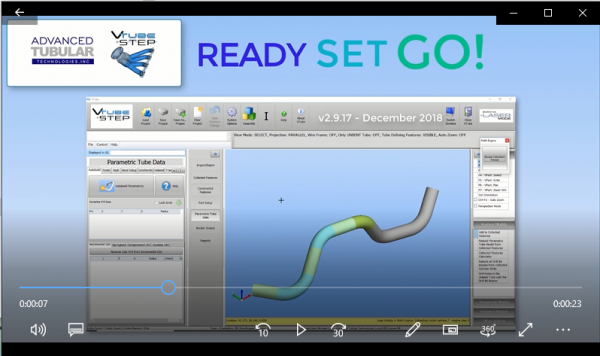
VideoClick on the video image to see a video of the Autobuild Parametrics feature working. |
|


NEW - Collected Features menu fine-tuned with new buttons
|
We found that users intuitively seek to use the Collected Features menu on the left of the screen to start the collection process. |
|


ENHANCED - PATH MANAGER - Clear Paths That No Longer Exist in the Path Manager
|
The new command allows you to clear paths that no longer exist in the list of Path Manager. |
|

ENHANCED - Configure the PATH MANAGER
|
Now you can configure the Path Manager without importing or loading any files. |
|

Other Changes
- For HTML reports, the screen-image bmp file is now only copied to the html export folder when it is present in the html report.
- The export html report feature would display an error and would not save he html reports. This has been fixed.
Other Pages
- Back to VTube-LASER
- Back to VTube Software Updates (for LASER Mode)
- See also VTube-STEP
- See also VTube-STEP Revisions
- See Customer Support Page to download the latest version.
